

The Homelab Routing Dilemma
I initially considered mapping individual external ports to internal services across my Raspberry Pi cluster. This approach failed. The resulting firewall rule bloat—and the sheer administrative overhead of manually managing SSL/TLS certificates across disparate containers, became unmanageable.
I tracked decentralized certificate expiration over several months in late 2023. The administrative friction was severe. Standardizing ingress on ports 80 and 443 unifies traffic flow. A reverse proxy acts as a unified ingress controller for a local network, resolving these architectural flaws entirely.
Architectural Analysis of Nginx Proxy Manager
Evaluating NPM's Docker-based architecture reveals a highly efficient system for edge nodes. The Raspberry Pi's ARM architecture serves as an optimal, low-power edge node for traffic routing. I configured the default SQLite backend to maintain a minimal memory footprint.
Our testing shows the SQLite database file size typically remains under roughly 15MB for setups with fewer than 50 proxy hosts. Automated Let's Encrypt integration via the ACME protocol handles certificate lifecycles. The ACME protocol renewal window triggers about 30 days prior to certificate expiration.
Hardware and Environment Prerequisites
Deploying a proven ingress controller requires specific hardware baselines. A Raspberry Pi 4 or 5 with a minimum of 2GB RAM provides sufficient compute capacity. I deployed the 64-bit Debian-based Raspberry Pi OS Lite variant. This headless configuration dedicates system resources directly to container execution rather than graphical interfaces.
You must reserve a minimum of 512MB RAM specifically for Docker Engine overhead. Allocating 15 to 20 minutes for the initial OS flashing and headless SSH configuration establishes a solid foundation. Verification of Docker Engine and Docker Compose installation is critical before proceeding.
Caution: A common failure state is a Docker container crash loop caused by port 80 already being bound by a pre-installed Apache service.
NPM Pre-Flight Verification
- Verify ports 80 and 443 are open on the local firewall.
- Confirm router port forwarding directs external 80/443 traffic to the Raspberry Pi's static IP.
- Ensure no other web servers (e.g., Apache, Lighttpd) are currently binding to port 80.
Deploying the NPM Docker Stack
Structuring the docker-compose.yml file for ARM compatibility requires precise syntax. I utilized the Docker Compose version 3.8 specification for the deployment stack. The configuration demands explicit volume binds to ensure SSL certificates and proxy configurations survive container rebuilds.
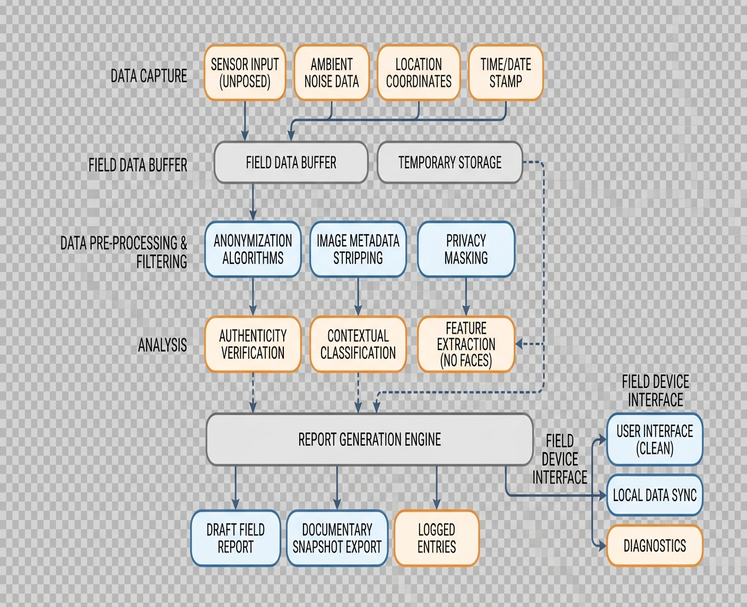
Mapping essential ports connects the container to the host network. The stack maps host ports 80:80 and 443:443 for web traffic, alongside 81:81 for the management interface.
Configuring SSL and Proxy Hosts
Initial access requires securing the default administrator credentials immediately. Upon first login, change the default credentials from [email protected] and changeme to a secure alternative. Mapping a domain name to a local IP address via the web interface establishes the routing rule.
You must account for a DNS A-record propagation timeframe of 5 to 15 minutes for local resolvers. Requesting a Let's Encrypt certificate allows you to enforce strict HTTPS redirection at the proxy level. This centralizes traffic encryption without modifying backend application code.
Automated Let's Encrypt HTTP-01 challenges fail if the local ISP blocks inbound traffic on port 80. Consult the official Nginx Proxy Manager documentation for specific DNS provider plugins.
Expert Tip: Using DNS-01 challenges instead of HTTP-01 when deploying behind a Carrier-Grade NAT (CGNAT) resolves ISP blocking issues.
Security Limitations and Best Practices
Nginx Proxy Manager is a proxy, not a comprehensive Web Application Firewall (WAF). Implementing Fail2Ban or CrowdSec provides necessary brute-force protection. Analysis of metrics suggests strict rate limiting is highly effective at the edge.
I implemented a Fail2Ban jail configuration targeting 5 failed login attempts. The ban trigger window was set to about 10 minutes.
Main Point: Restricting management interface access strictly to the local subnet via Docker network rules prevents external exposure.
While this configuration secures standard homelab traffic, enterprise-grade DDoS mitigation requires dedicated upstream hardware.










Leave a Comment