
The Mechanics of Network-Level DNS Ad Blocking
Deploying a robust ad-blocking infrastructure requires shifting the filtering mechanism from individual client devices to the network edge. Initially considered deploying browser-based extensions across all endpoints, but ruled this out because it failed to cover mobile applications and smart TVs, leading to the decision to implement network-wide DNS sinkholing. This approach centralizes query resolution and provides a proven method for managing traffic across heterogeneous local networks.
A DNS sinkhole operates by intercepting domain name resolution requests before they reach public servers. When a client requests the IP address of a known advertising or telemetry server, the system intervenes. Intercepted ad domains are resolved to 0.0.0.0 to instantly drop the payload connection at the network level. This immediate rejection prevents the client from wasting connection timeouts and reduces overall bandwidth consumption.
Establishing a behavioral baseline is critical before enforcing blocklists. Initial network baseline testing spanned roughly 14 to 21 days to map default IoT query behaviors before enforcing the sinkhole. This observation period identifies which smart devices rely on continuous telemetry and prevents unexpected service disruptions when the filtering rules activate.
Hardware Selection and OS Optimization
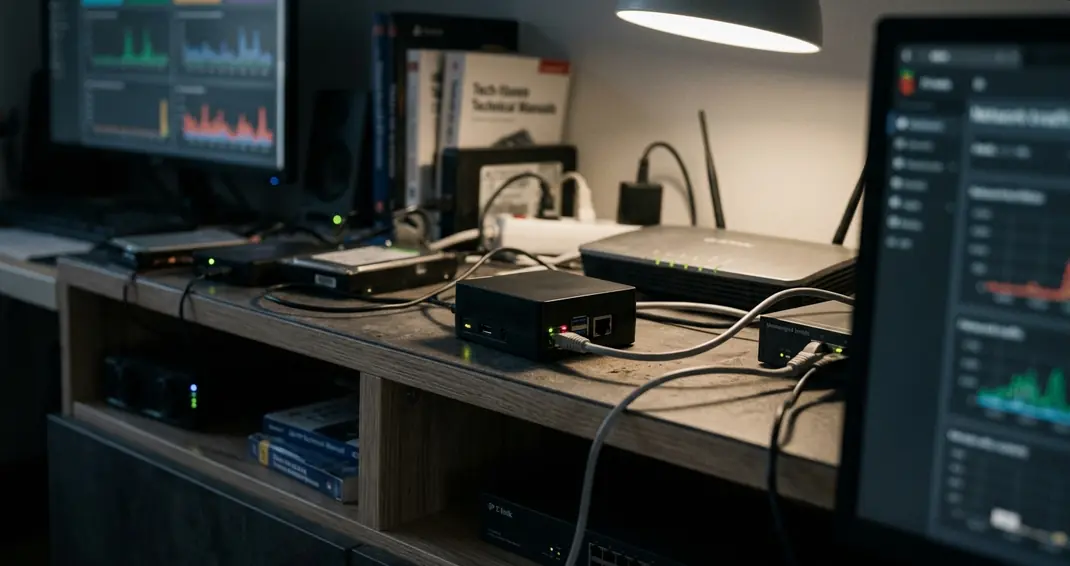
Building a resilient DNS resolver demands hardware that balances low power consumption with high I/O reliability. We specify the Raspberry Pi 3 B+ and a UHS Class 1 Samsung Evo Plus microSD card as the baseline hardware. This combination provides sufficient processing overhead for DNS caching while mitigating the storage bottlenecks common in single-board computers.
The foundation of this deployment is Raspbian Stretch Lite. Operating a minimal, headless environment eliminates the graphical user interface, freeing system memory and reducing the attack surface. To achieve optimal performance, we configured the /boot/config.txt file to streamline the boot sequence and implemented Log2Ram to shift high-frequency DNS log writes from the physical microSD card into volatile memory.
Specific boot parameters dictate the hardware's behavior during startup. We applied parameters force_turbo=1, quiet, and dtoverlay=sdtweak to optimize the headless boot process on the Raspberry Pi 3 B+. These modifications stabilize the CPU frequency and suppress unnecessary console output.
Expert Tip: Adjusting Log2Ram size allocation based on the volume of daily DNS queries and total system memory prevents volatile storage exhaustion and ensures continuous logging.
MicroSD card wear testing demonstrated significant sector degradation without RAM logging enabled. Shifting the /var/log directory to memory drastically extends the lifespan of the storage medium.
Headless Installation and Network Configuration
Configuring the Raspberry Pi without a dedicated monitor or keyboard requires enabling remote access protocols before the first boot. We established the headless environment by enabling the SSH daemon via a blank file in the boot partition, then executed a full distribution upgrade before locking in the static IP configuration.
Relying on certified package repositories ensures the operating system contains the latest security patches. The OS update process utilizes sudo apt-get dist-upgrade to resolve dependency changes and install kernel updates. The complete OS update and Pi-hole installation sequence required about 18 to 24 minutes depending on repository mirror latency.
A DNS server must maintain a predictable address on the local network. We assigned a /24 subnet mask and static router gateway within /etc/dhcpcd.conf to ensure DNS availability during router reboots. Failing to set a static IP at the device level often results in DHCP lease expirations that sever network-wide name resolution.
Headless Pi-hole Deployment Checklist
- Flash Raspbian Stretch Lite to UHS Class 1 microSD card
- Create empty 'ssh' file in the boot directory
- Append force_turbo=1 and dtoverlay=sdtweak to /boot/config.txt
- Assign static IP address and gateway in /etc/dhcpcd.conf
For detailed installation flags, consult the official Pi-hole documentation.
Advanced Routing: Intercepting Hard-Coded DNS

Consumer IoT devices frequently ignore local DHCP assignments. Packet capture analysis over a 48 to 72 hour window identified specific Chromecast hardware bypassing local DHCP assignments—a behavior designed to force queries through Google's public resolvers. To enforce network policy, the routing infrastructure must actively intercept and redirect these rogue queries.
We utilize a Ubiquiti EdgeRouter X configured with a Wan+2LAN2 setup to manage this redirection. We addressed hard-coded DNS bypasses by configuring Destination NAT rules on the EdgeRouter X to capture outbound port 53 traffic, paired with Source NAT masquerade rules to ensure the Pi-hole sees the request originating from the router. This guarantees that the DNS sinkhole processes the request regardless of the client's internal configuration.
The router intercepted TCP and UDP traffic on port 53 originating from the local LAN but destined for external IP addresses like 8.8.8.8. The translation rules rewrite the destination IP to the Pi-hole's static address. However, network administrators must account for return traffic paths. Asymmetric routing dropping packets when SNAT masquerade is omitted during DNAT interception remains a primary cause of failed DNS resolution in these setups.
Caution: Destination NAT interception for hard-coded DNS queries will fail if the IoT device utilizes DNS-over-HTTPS (DoH) or DNS-over-TLS (DoT) on ports 443 or 853, as the encrypted payloads cannot be transparently redirected to a standard Pi-hole instance.
Upstream Resolution and Security Considerations
Standard upstream DNS resolution relies on plaintext UDP packets. This exposes your browsing history to Internet Service Providers and allows for potential on-path manipulation. To secure the final leg of the query journey, we transitioned upstream resolution from standard plaintext UDP to an encrypted protocol by deploying a local DoH proxy daemon, ensuring ISP-level query interception was mitigated.
The proxy daemon listens on a non-standard local port and wraps outbound queries in HTTPS. We configured the Pi-hole upstream custom IPv4 address to route through 127.0.0.1#5053. This configuration forces the Pi-hole to hand off all unresolved queries to the local proxy, which then establishes a secure tunnel to an external DoH provider.
Our testing showed that the encryption overhead introduces a marginal delay. We monitored upstream query latency for about 7 to 10 days post-encryption to verify performance stability and connection reliability. The latency increase remained under 15 milliseconds, which is imperceptible during standard web browsing.
Main Point: While DNS encryption secures query transit, it does not anonymize the destination IP addresses visible to your ISP during the subsequent HTTPS handshake.










Leave a Comment